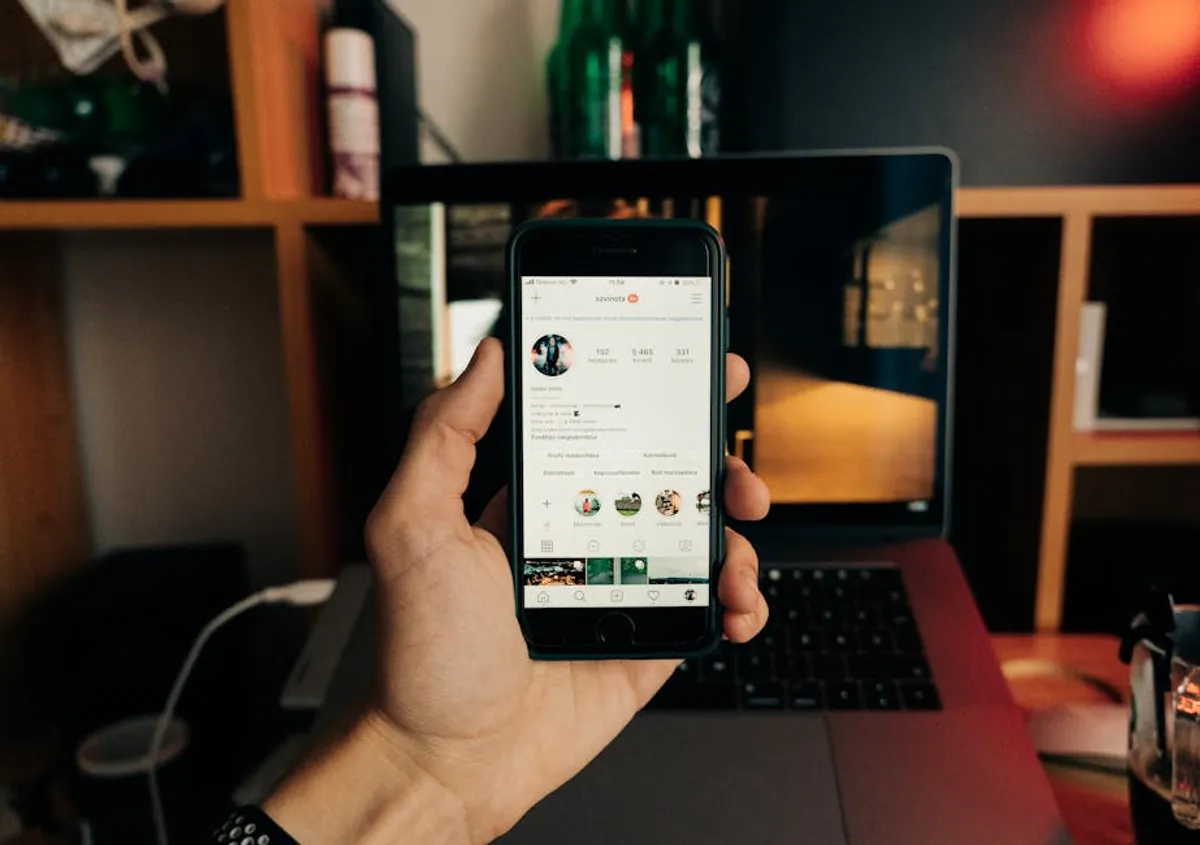
The desire to download video content from platforms like Instagram's IGTV often stems from a legitimate need: to save a memorable moment, archive important information, or repurpose content for other channels. However, the term "IGTV downloader" typically refers to third-party tools and websites that promise to extract videos directly from Instagram. These tools, while seemingly convenient, introduce significant risks that range from legal and ethical concerns to cybersecurity vulnerabilities. Understanding these dangers is critical for any individual or business operating online, especially given the strict terms of service enforced by social media platforms and the complexities of copyright law. This article will clarify the nature of these unofficial downloaders, detail the associated risks, and, more importantly, present safer, legal alternatives that align with professional standards and protect your digital integrity.
What to Look For in a Legal Alternative
When seeking legitimate ways to manage or access video content that might otherwise be sought through an unofficial IGTV downloader, prioritize solutions that offer transparency, security, and compliance. A viable alternative should respect copyright, adhere to platform terms of service, and provide clear methods for content acquisition or management. Key considerations include: direct platform-provided features for creators to download their own content, general-purpose tools that operate within legal boundaries (like screen recording for personal use), and professional systems designed for content management and archiving that integrate with official APIs or support manual asset storage. Focus on solutions that protect your data, avoid malware, and ensure you retain full control over your digital assets without infringing on intellectual property rights.
1. Instagram's Native Features & Creator Studio
Instagram itself provides built-in functionalities that address some of the needs users attempt to solve with third-party downloaders, particularly for content creators managing their own material. For general users, Instagram's "Save" feature allows bookmarking posts, including IGTV videos, directly within the app for later viewing without downloading the file itself. For creators, Meta's Creator Studio offers a more robust solution, enabling direct downloads of videos they have uploaded to Instagram and Facebook. This is the most direct and legally compliant method for creators to retrieve their original content for repurposing, archiving, or backup purposes.
Key Features: In-app "Save" collection for public posts; Creator Studio for downloading owned content; content scheduling and management for creators; performance insights for uploaded videos.
Pricing: Free for all Instagram users and content creators via Creator Studio.
Best For: Content creators needing to download their own uploaded IGTV videos; general users wishing to bookmark and revisit public IGTV content within the Instagram app.
Pros:
- Directly supported by Instagram/Meta, ensuring compliance with terms of service.
- Eliminates cybersecurity risks associated with third-party tools.
- Provides high-quality downloads of original content for creators.
- Integrated analytics and management tools for creators.
Cons:
- "Save" feature only bookmarks, it does not download videos to your device.
- Creator Studio only allows downloading of content you have personally uploaded.
- Does not provide a method to download other users' IGTV content.
2. Screen Recording Software
Screen recording software captures whatever is displayed on your computer or mobile device screen, including playing IGTV videos. This method is a legitimate and widely available alternative for personal use, provided the content is publicly accessible and not behind a paywall or private. Tools range from built-in operating system features (like QuickTime Player on macOS or Xbox Game Bar on Windows) to dedicated third-party applications. While it captures the video as it plays, meaning quality can be affected by screen resolution and playback conditions, it bypasses the need for unofficial downloaders and their associated risks. It is crucial to respect copyright and intellectual property rights when using screen recording; recording and distributing copyrighted material without permission is illegal.
Key Features: Captures full screen or selected regions; records audio from system or microphone; customizable resolution and frame rates; basic editing functions in some advanced tools.
Pricing: Many operating systems include free basic screen recorders. Third-party software can range from free (e.g., OBS Studio) to one-time purchases or subscription models for advanced features (e.g., Camtasia, Snagit).
Best For: Individuals needing to save publicly available IGTV content for personal viewing or archival (e.g., a tutorial or educational content) where direct download is not an option, while respecting copyright.
Pros:
- Legal for personal, non-commercial use of publicly available content.
- Avoids malware and privacy risks of unofficial downloaders.
- Versatile, can record content from any source displayed on screen.
- Many free and accessible options available.
Cons:
- Output quality can vary based on screen resolution and recording settings.
- Requires real-time playback of the video, which can be time-consuming for long content.
- Does not provide the original video file; it's a recording of the playback.
- Risk of copyright infringement if recorded content is shared or used commercially without permission.
3. Social Media Content Management Systems (CMS)
Professional social media content management systems (CMS) are designed for businesses and content creators to plan, publish, and analyze their social media presence. While their primary function isn't downloading, many such platforms offer robust media libraries and asset management features where users can store and retrieve their original video content. For instance, after a creator uploads an IGTV video through a CMS, the original file often remains accessible within the platform's media library, allowing for re-downloading. This provides a secure and organized way for creators to manage their own video assets, ensuring they always have access to their original files without resorting to third-party downloaders.
Key Features: Centralized media library; content scheduling and publishing across multiple platforms; team collaboration tools; performance analytics; asset tagging and organization.
Pricing: Typically subscription-based, with tiers varying by features, number of users, and social profiles. Plans can range from $29/month for basic features to several hundred dollars for enterprise solutions.
Best For: Brands, agencies, and professional content creators who need to manage, store, and access their own video content across various social platforms, ensuring asset integrity and accessibility.
Pros:
- Secure and organized management of original video assets.
- Facilitates content repurposing and cross-platform distribution.
- Often includes robust analytics for content performance.
- Reduces reliance on local storage and provides cloud-based access.
Cons:
- Primarily for managing *your own* content, not downloading others' videos.
- Can be a significant investment for individuals or small businesses.
- Requires integration and setup with social media accounts.
- Learning curve for new users.
4. Video Editing Software with Cloud Integration
Modern video editing software often includes or integrates with cloud storage and asset management features, making it an effective alternative for creators to manage their own IGTV content. Platforms like Adobe Premiere Pro, Final Cut Pro, or DaVinci Resolve, when combined with their respective cloud services (e.g., Adobe Creative Cloud, iCloud, Dropbox), allow creators to store their raw footage, project files, and final exports. This means that once a video is produced for IGTV, the original high-quality file can be securely stored and retrieved from the cloud, eliminating any need to "download" it from Instagram. This workflow emphasizes proactive content management from creation to distribution.
Key Features: Professional-grade editing tools; cloud syncing and storage of project files and assets; version control; collaborative editing features; integration with other creative suite applications.
Pricing: Typically subscription-based for professional software (e.g., Adobe Creative Cloud starts around $20.99/month for single app, $54.99/month for all apps). DaVinci Resolve offers a free version and a one-time purchase for the Studio version ($295). Cloud storage costs vary based on capacity.
Best For: Professional video creators, production houses, and marketing teams who produce original video content for IGTV and require robust tools for editing, storage, and asset management.
Pros:
- Ensures access to original, high-quality video files.
- Streamlines post-production and content repurposing workflows.
- Secure cloud storage protects against data loss.
- Facilitates collaboration among creative teams.
Cons:
- Focused on *your own* created content, not downloading others' videos.
- Requires investment in professional software and potentially cloud storage.
- Steep learning curve for advanced editing suites.
- Not a "downloader" in the traditional sense, but a content management solution.
5. Cloud Storage Solutions
General-purpose cloud storage services such as Google Drive, Dropbox, Microsoft OneDrive, or Box provide secure platforms for storing and organizing all types of digital files, including video. For content creators, these services are invaluable for backing up original IGTV video files before and after upload. Instead of relying on Instagram as the sole repository, creators can upload their finished IGTV videos to a cloud drive for long-term storage and easy access. This ensures that the original, high-quality version of the content is always available for re-use, repurposing, or archival, completely bypassing the need for any "downloader" tool to extract it from Instagram.
Key Features: Secure file storage and synchronization; file sharing with granular permissions; version history; cross-device access; integration with various productivity tools.
Pricing: Free tiers typically offer 5GB-15GB. Paid plans vary by storage capacity, starting from around $1.99/month for 100GB up to enterprise-level custom pricing for terabytes of storage.
Best For: Individual creators, small businesses, and anyone who needs a reliable, secure, and accessible method to store and back up their original IGTV video content and other digital assets.
Pros:
- Highly reliable for secure file storage and backup.
- Easy access to files from any device with an internet connection.
- Cost-effective, especially for individuals and small teams.
- Reduces dependence on platform-specific storage.
Cons:
- Requires manual upload of original video files.
- Not a "downloader" for content already published on Instagram by others.
- Does not offer content management features specific to social media.
- Reliance on internet connectivity for access, though offline sync is often available.
6. Content Repurposing Platforms
Content repurposing platforms are specialized tools designed to help creators transform existing video content from one platform into formats suitable for others. Many of these tools integrate with social media platforms and allow creators to download *their own* uploaded videos (e.g., an IGTV video) for editing and re-uploading to TikTok, YouTube Shorts, or other channels. These platforms often focus on optimizing video for different aspect ratios and adding features like captions. By providing a legitimate way for creators to access and modify their own content, they serve as a valuable alternative to unofficial downloaders, ensuring creators maintain control and ownership of their intellectual property.
Key Features: Automated video resizing and formatting; subtitle generation; template libraries; direct integration with social media platforms; cloud-based storage of repurposed assets.
Pricing: Typically subscription-based, with free trials or limited free tiers. Paid plans can range from $15/month to $100+/month depending on usage limits, features, and number of users.
Best For: Content creators and marketers looking to maximize the reach of their IGTV content by easily adapting and distributing it across multiple social media platforms, while legally accessing their own original uploads.
Pros:
- Streamlines the process of repurposing video content.
- Ensures creators can legally access and modify their own uploaded videos.
- Often includes features to enhance video for specific platforms (e.g., auto-captions).
- Saves time and resources compared to manual editing for each platform.
Cons:
- Primarily for *your own* content; not for downloading others' IGTV videos.
- Requires a subscription, adding to operational costs.
- May have limitations on video length or monthly usage.
- Focuses on transformation rather than simple archival.
7. Direct Communication with Content Creators
For individuals or businesses interested in obtaining a copy of someone else's IGTV content for legitimate reasons (e.g., collaboration, educational use with permission, archival for research), the most legally sound and ethical approach is to directly contact the content creator. Most creators are receptive to requests, especially if the purpose is clearly explained and respects their intellectual property. This method ensures that you obtain the content with explicit permission, often in its original high quality, and avoids any legal or ethical ambiguities associated with unauthorized downloading. It fosters good relationships within the online community and demonstrates respect for creative work.
Key Features: Direct messaging via Instagram; email contact (often found in creator bios or linked websites); formal licensing agreements for commercial use.
Pricing: Free for direct requests for personal use. Commercial use may involve licensing fees or collaboration agreements, negotiated directly with the creator.
Best For: Anyone needing a specific IGTV video from another creator for legitimate, non-infringing purposes, where obtaining direct permission and potentially the original file is paramount.
Pros:
- Guarantees legal and ethical acquisition of content.
- Often results in obtaining the highest quality original file.
- Builds positive relationships within the creator community.
- Eliminates all risks associated with unofficial downloaders.
Cons:
- Success depends on the creator's responsiveness and willingness to share.
- Can be a slower process compared to automated methods.
- May involve negotiation or licensing fees for commercial use.
- Not suitable for mass acquisition of content.
How to Choose the Right Alternative
Selecting the appropriate alternative to an unofficial IGTV downloader depends on your specific needs and ethical considerations. If you are a content creator looking to manage or repurpose your own videos, Instagram's Creator Studio, professional social media CMS, video editing software with cloud integration, cloud storage solutions, and content repurposing platforms offer robust, secure, and legal pathways. These options ensure you retain full control and ownership of your intellectual property. For personal viewing or archival of publicly available content, screen recording software is a viable, legal method, provided you respect copyright and avoid unauthorized distribution. When seeking another creator's content, direct communication and obtaining explicit permission is the only truly legal and ethical route. Prioritize solutions that offer transparency, security, and compliance with platform terms of service and copyright law to protect your digital presence and reputation.
Frequently Asked Questions
Are IGTV downloaders legal?
Most third-party IGTV downloaders operate in a legal gray area or outright violate Instagram's Terms of Service and copyright law. Using them to download content without permission, especially copyrighted material, can lead to legal repercussions for the user and expose devices to security risks.
Can I download my own IGTV videos legally?
Yes, content creators can legally download their own IGTV videos through Instagram's Creator Studio or by accessing the original files stored in their own cloud storage, video editing software, or social media management systems.
What are the risks of using unofficial IGTV downloaders?
Risks include malware infection, phishing attempts, privacy breaches (e.g., unauthorized access to your Instagram account), poor video quality, and potential legal action for copyright infringement or violation of Instagram's terms of service.
Is screen recording an IGTV video legal?
Screen recording a publicly available IGTV video for personal, non-commercial use is generally considered legal, similar to recording a TV show for personal viewing. However, distributing, sharing, or monetizing the recorded content without the creator's permission or proper licensing is a copyright infringement and illegal.
How can businesses legally archive IGTV content?
Businesses should use official channels like Instagram's Creator Studio to download their own content. For archiving other public content for research or compliance, screen recording for internal, non-commercial use (with strict adherence to copyright) or seeking direct permission from creators are the most compliant methods. Professional social media management platforms also offer asset management features for a brand's own content.

Write the first note
Thoughtful disagreement welcomed. Promotional links quietly trimmed.